
P4J - Content Explorer
Browse · Upload · Edit · Rename · Download — File Management Inside Joomla
P4J - Content Explorer brings file management directly into the Joomla administrator panel. Browse your website folders, upload files, edit source code, rename or delete items, and download files without using an FTP client or hosting control panel. With multi-file uploads, a built-in text editor, and access restricted to Super Users, everyday file operations become faster and more convenient. Compatible with Joomla 5 and 6.
- DESCRIPTION
- IMAGES
- SPECIFICATION
Manage your website files without leaving Joomla
P4J - Content Explorer is a file management component for Joomla 5 and Joomla 6 that gives Super Users direct access to the files and folders of their website from the Joomla administrator panel.
Browse directories, upload files, edit source code, rename or delete items, and download files without opening an FTP client or accessing your hosting control panel.
Whether you need to update a CSS file, modify robots.txt, replace an image or download a server log, Content Explorer provides a convenient interface for everyday file management tasks.
What can P4J - Content Explorer do?
1. Browse your website folders
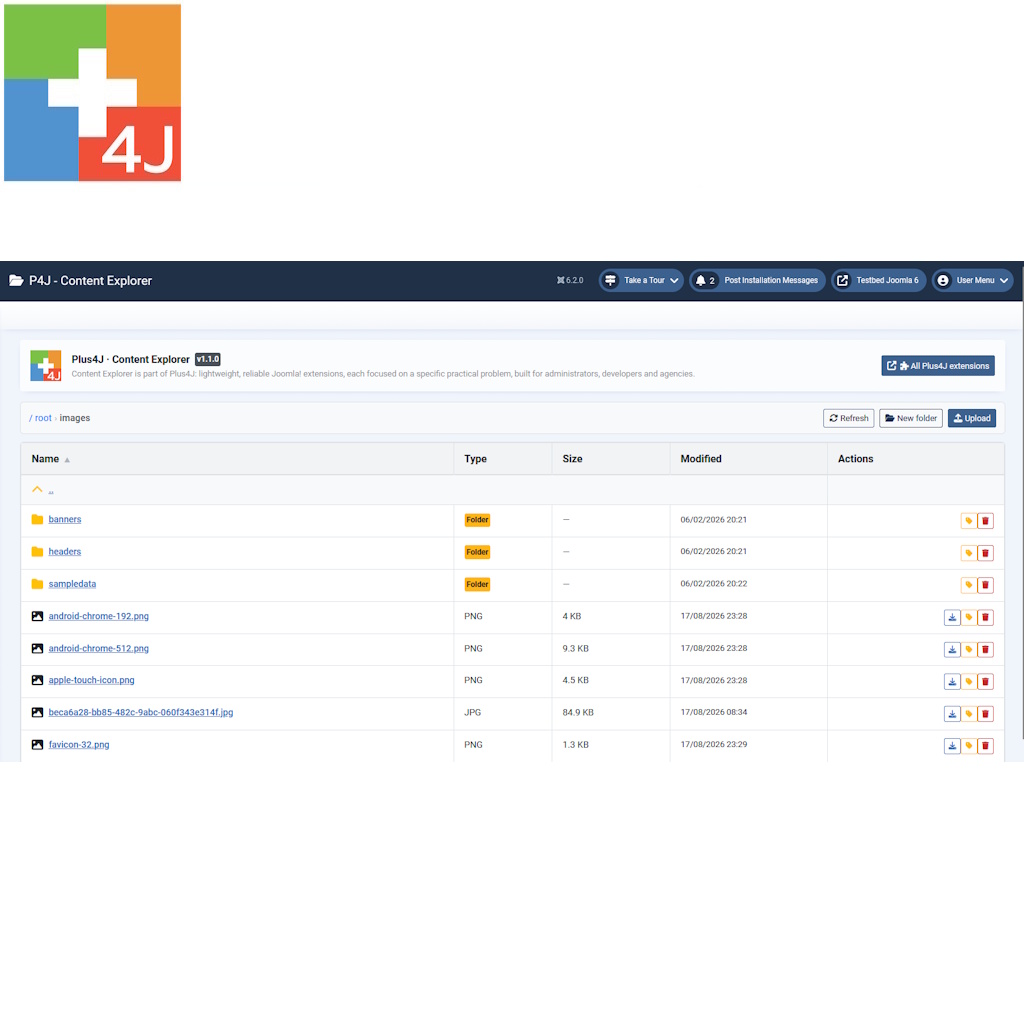
Navigate the complete directory structure of your Joomla installation, starting from the website root.
- Access folders and files throughout your Joomla installation.
- Navigate through folders using clickable names and breadcrumbs.
- Move to parent directories with a single click.
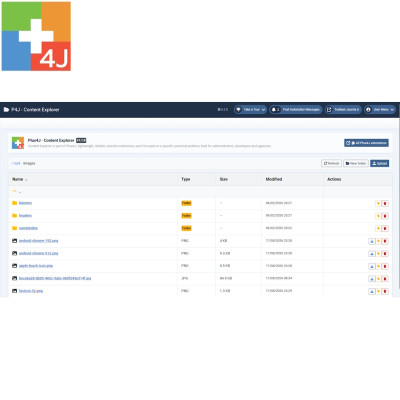
- View file names, types, sizes and last modification dates.
- Sort files and folders by the available columns.
- Refresh the directory listing whenever needed.
The interface keeps folders and files clearly organized, making it easy to locate the items you need.
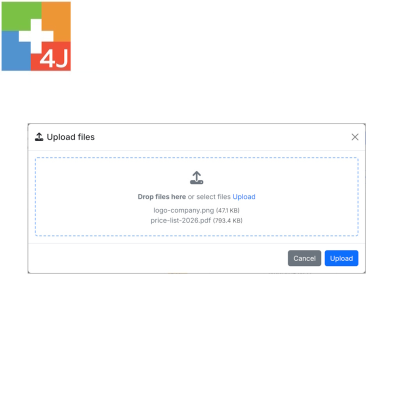
2. Upload multiple files
Transfer files from your computer directly into any accessible folder of your Joomla website.
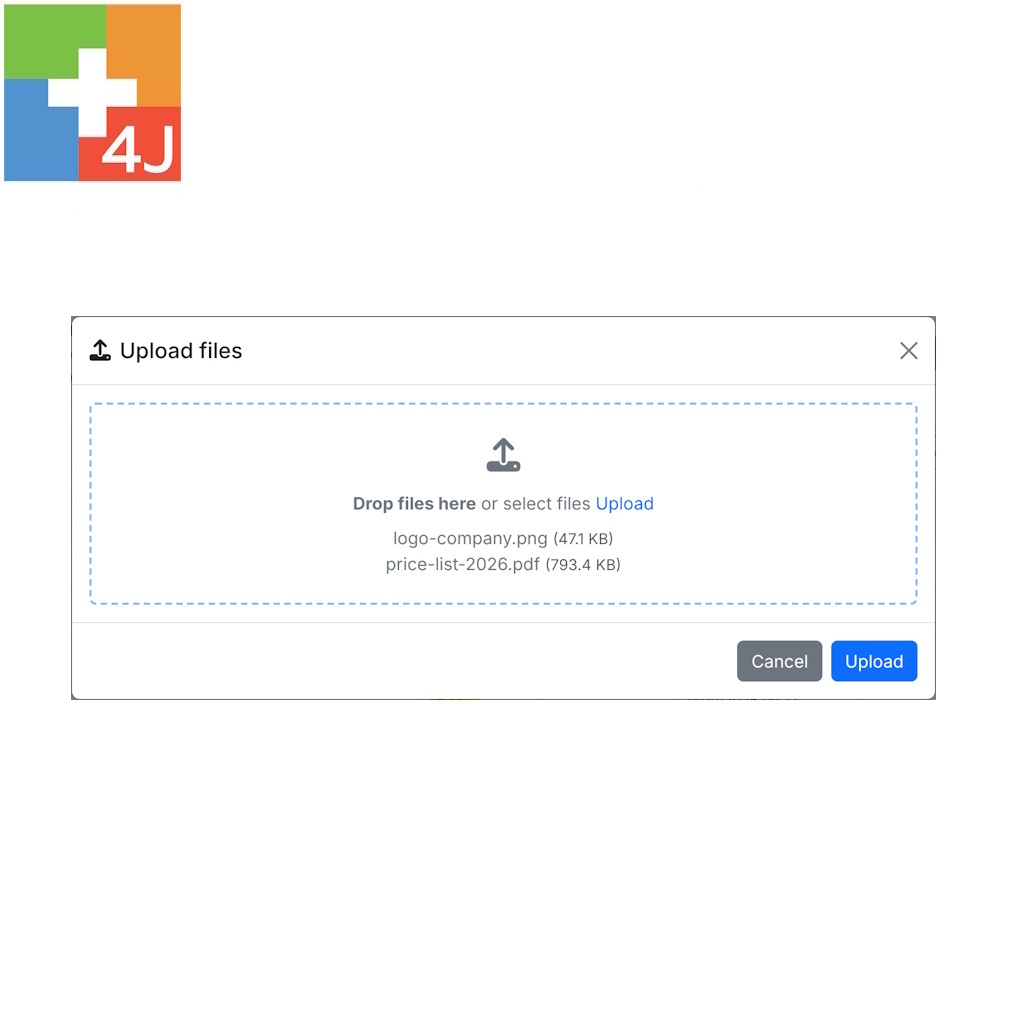
- Upload several files in a single operation.
- Drag and drop files into the upload area.
- Alternatively, select files using the standard file browser.
- Monitor upload progress.
- See uploaded files immediately in the directory listing.
Existing files with the same name are replaced during upload. Maximum file sizes and writable locations depend on your server configuration.
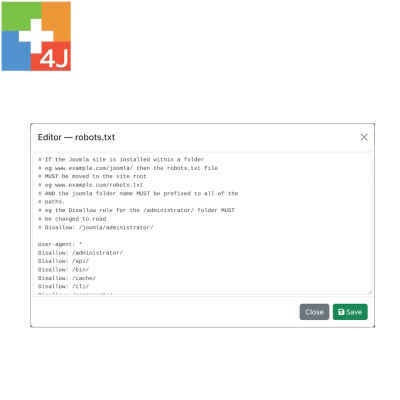
3. Edit text and source code files
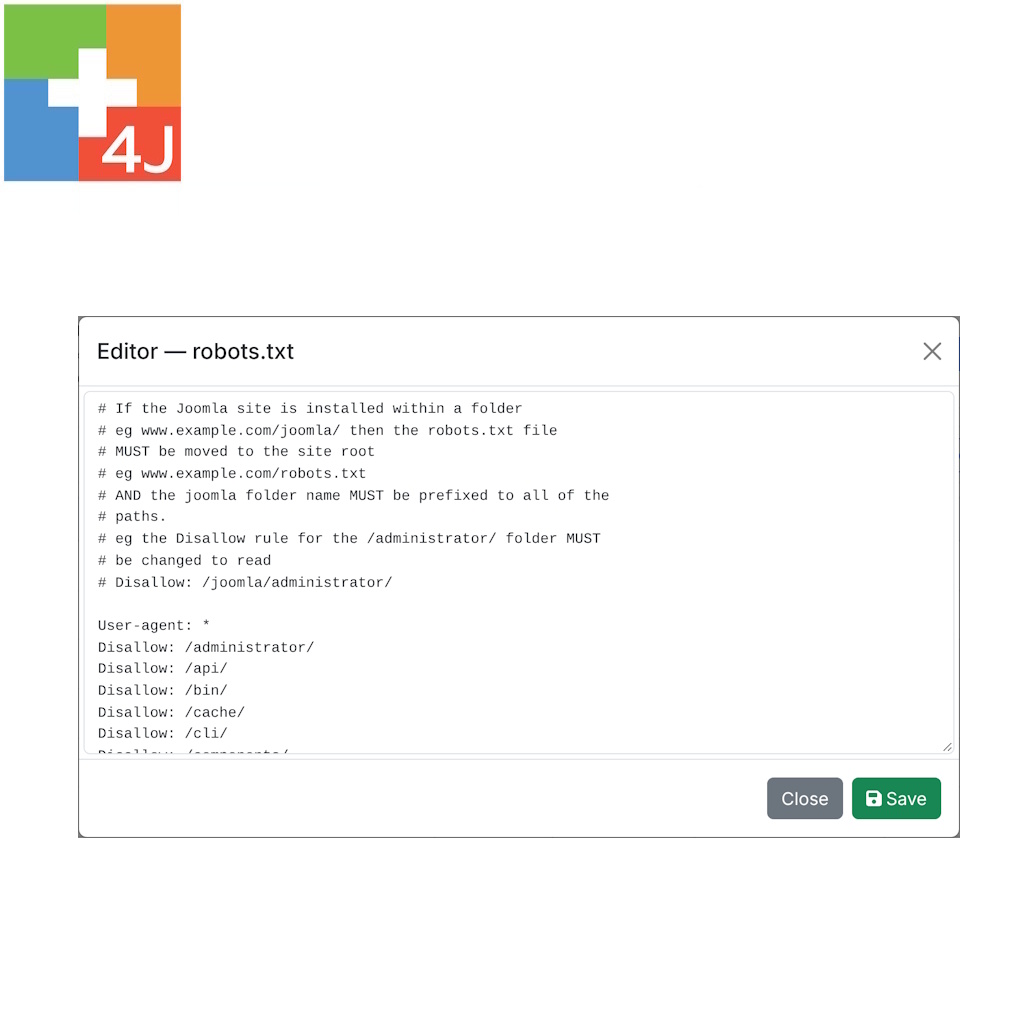
Make quick changes to website configuration files, templates and other text-based resources using the built-in editor.
Supported file types include:
- PHP: PHP source and configuration files.
- HTML and CSS: markup and stylesheets.
- JavaScript: scripts and frontend resources.
- XML and JSON: configuration and structured data.
- INI, YAML and SQL: configuration and text-based resources.
- TXT and Markdown: documentation and plain text.
- .htaccess: Apache configuration directives.
The editor supports keyboard shortcuts, including Ctrl+S for saving changes, and can open text files up to 2 MB.
Changes are saved directly to the original file, without requiring a separate download and upload process.
4. Create, rename and delete files and folders
Perform common file management operations directly from the administrator interface.
- Create new folders in the current directory.
- Rename existing files and folders.
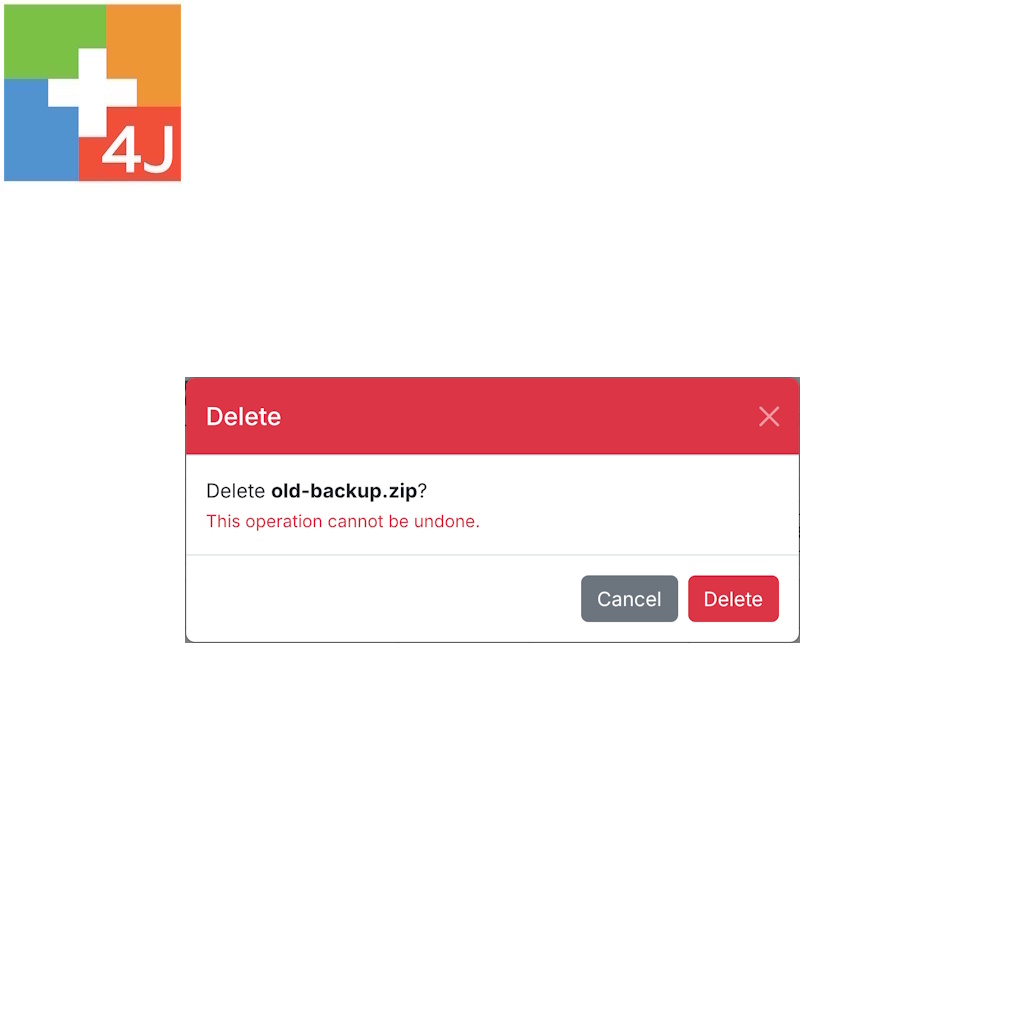
- Delete files that are no longer needed.
- Remove directories and their contents.
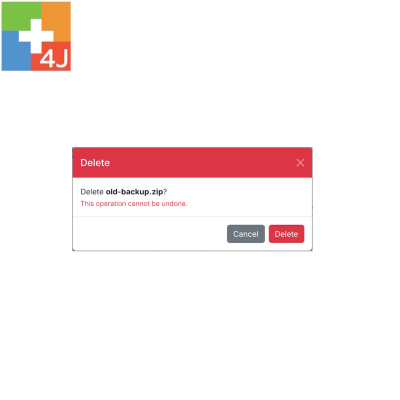
- Confirm deletion requests before execution.
Operations are applied directly to the website filesystem, subject to the permissions configured on the server.
5. Download files directly
Retrieve individual files from your website with a single click.
- Download configuration files before modifying them.
- Save copies of source code or text files.
- Retrieve log files for troubleshooting.
- Download images, documents, archives and other file types.
Non-text files and text files larger than the editor limit can still be downloaded.
Designed for everyday Joomla administration
P4J - Content Explorer focuses on practical file operations through a clear interface integrated into the Joomla backend.
- No FTP client required: handle common file operations directly in Joomla.
- No separate hosting panel: access your website files without switching applications.
- Familiar interface: folder navigation, sortable listings and individual action buttons.
- Multiple file uploads: transfer several files in one operation.
- Built-in editor: modify text-based resources without external software.
- Immediate access: no additional configuration is required after installation.
Restricted to Joomla Super Users
Content Explorer provides access to sensitive website files, including configuration files and executable scripts.
For this reason, the component is reserved exclusively for Joomla Super Users. Other administrator accounts cannot access it.
The component operates within the Joomla administration area and uses the existing administrator authentication system.
Important: working with live website files
Content Explorer works directly on the actual files and folders of your website.
Incorrect modifications to configuration files, PHP scripts or essential Joomla directories may cause website errors or make the site inaccessible.
Deleted files and folders cannot be recovered through a recycle bin, and saved changes cannot be automatically undone.
Always create a backup before modifying important files. When possible, download a copy of the original file before editing it.
Installation and updates
Install P4J - Content Explorer using Joomla's standard extension installer:
- Log in to the Joomla administrator panel as a Super User.
- Open System → Install → Extensions.
- Upload the P4J - Content Explorer ZIP package.
- After installation, go to Components → P4J - Content Explorer.
- Start browsing your website files immediately.
No additional configuration is required.
When a new version becomes available, Joomla displays an extension update notification. The updated installation package can be downloaded from the Plus4J download area, according to your download entitlement.
New versions can be installed over the existing installation without uninstalling the previous version.
Documentation and support
P4J - Content Explorer includes a detailed English-language user manual covering installation, file and folder management, uploads, text editing, downloads, safety recommendations and troubleshooting.
For additional information or assistance, visit Plus4J or contact
Main Specifications
| Current version | 1.1.0 |
|---|---|
| Joomla compatibility | Joomla 5 and Joomla 6 |
| PHP requirements | PHP 8.1 or later |
| Extension type | Administrator Component |
| Access level | Super Users only |
| File operations | Browse, Upload, Edit, Rename, Delete, Download |
| Directory management | Create, Browse, Rename, Delete |
| Upload method | Multiple files, Drag & Drop |
| Built-in editor | Text and source code files |
| Editor file size limit | 2 MB |
| File access | Joomla installation directory and subfolders |
| Languages | English, Italian |
| License | GNU GPL v2 or later |