
P4J - MultiTool
Favicon · Touch Icons · Open Graph · Generator · Structured Data — One Plugin, Five Tools
P4J - MultiTool brings five essential website configuration tools together in a single Joomla plugin. Manage your favicon and mobile shortcut icons, control social sharing previews with Open Graph, customize the generator meta tag, and add schema.org structured data — all from one convenient settings panel. Compatible with Joomla 5 and 6. Works with any template, including Cassiopeia, without modifying template files.
- Full Description
- Product Sreenshots
- SPECIFICATION
Five essential Joomla tools. One simple plugin.
P4J - MultiTool is a system plugin for Joomla 5 and Joomla 6 that brings together five useful tools for managing the HTML head section of your website.
Instead of installing separate extensions or editing template files, you can configure favicons, mobile shortcut icons, social sharing metadata, the generator tag, and schema.org structured data from a single tabbed interface.
Each feature can be configured independently, so you only enable the functions you actually need.
What can P4J - MultiTool do?
1. Custom Favicon
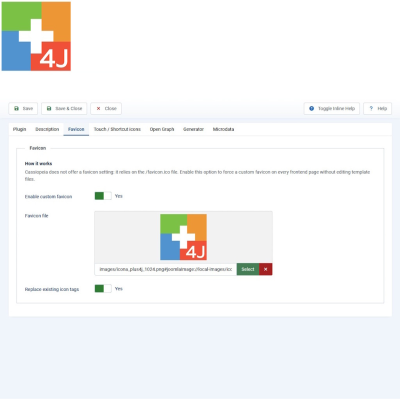
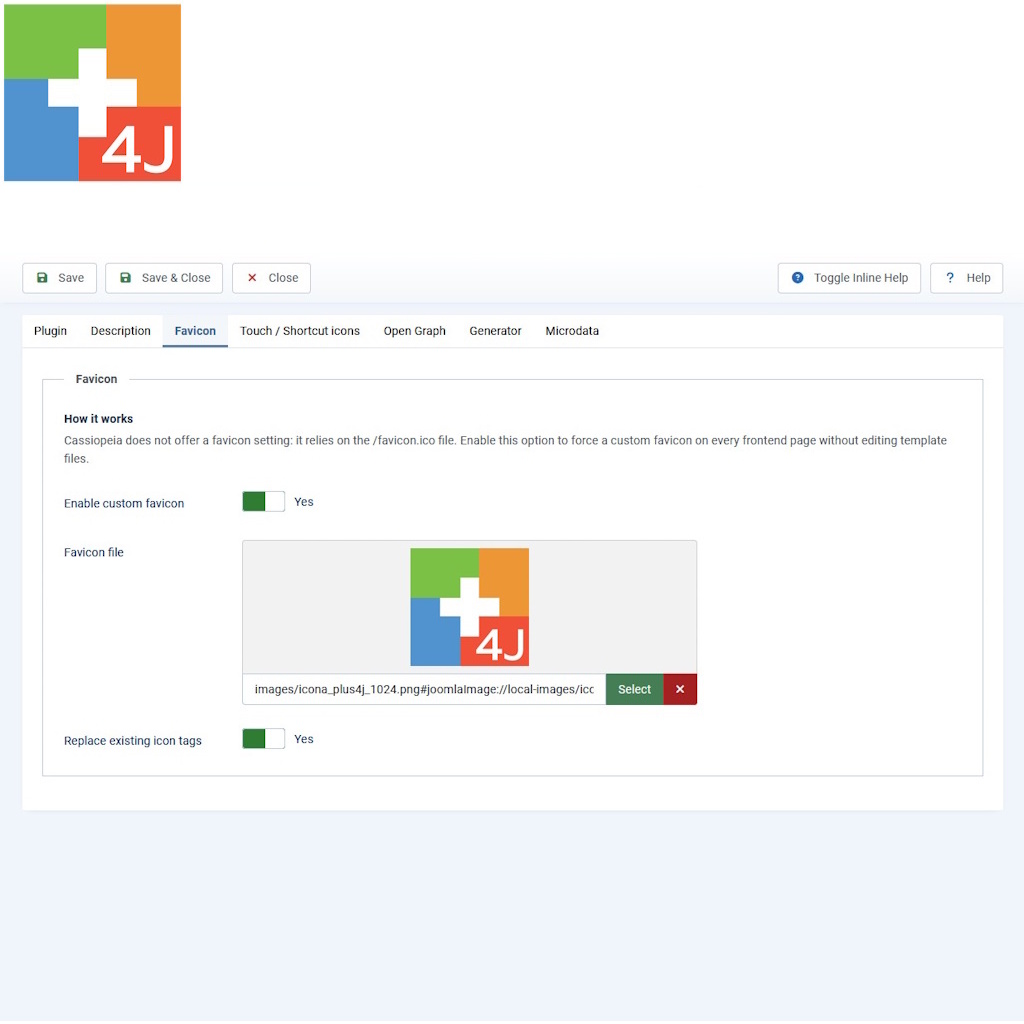
Replace the default favicon with your own website icon, including on sites using Joomla's Cassiopeia template.
- Upload or select ICO, PNG, or SVG icons.
- Apply your favicon across the website.
- Optionally replace existing favicon tags to prevent conflicts with template-generated icons.
- No template file modifications required.
2. Touch and Shortcut Icons
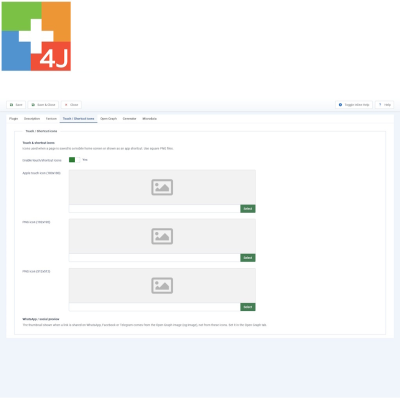
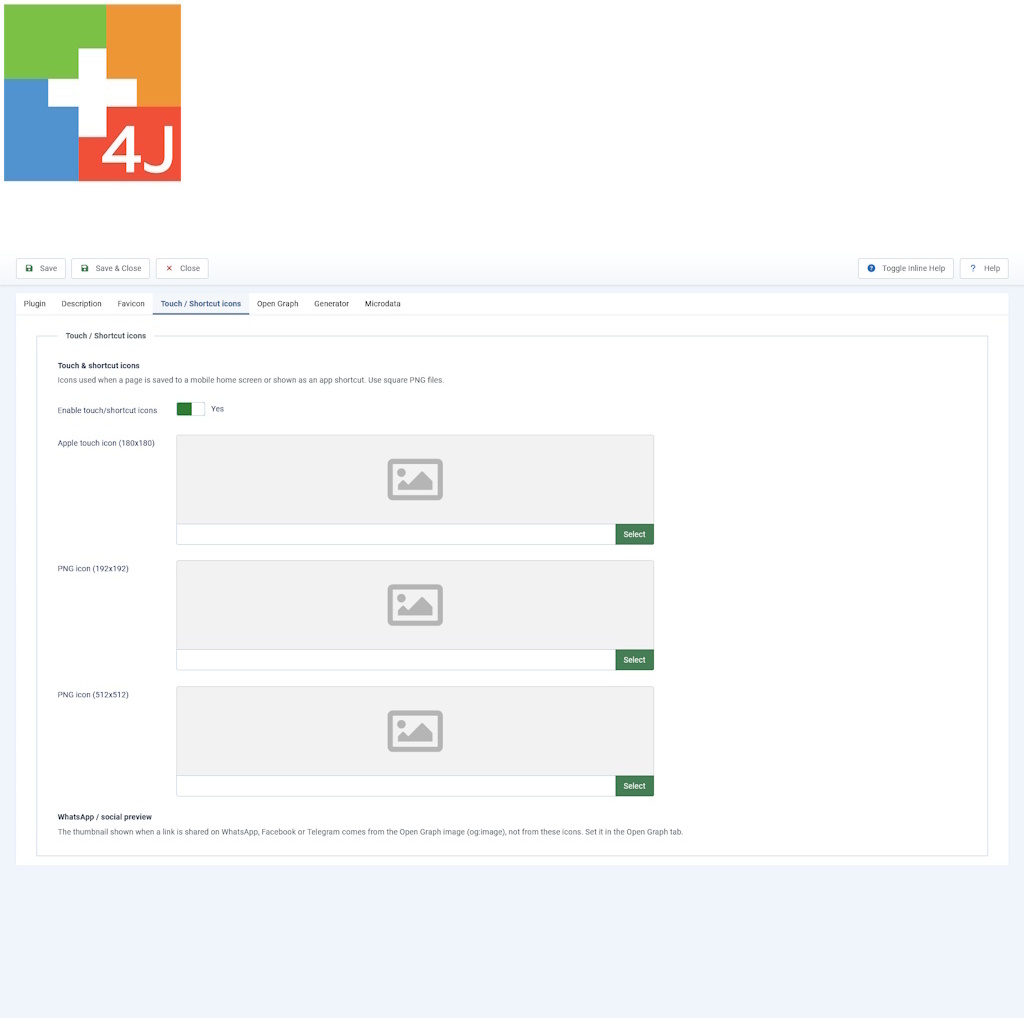
Define the icons displayed when visitors add your website to the home screen of their smartphone or tablet.
- Apple Touch Icon (180 × 180 px) for iPhone and iPad.
- PNG icon (192 × 192 px) for Android and web applications.
- High-resolution PNG icon (512 × 512 px).
All icons can be selected using Joomla's built-in Media Manager.
3. Open Graph and Social Sharing
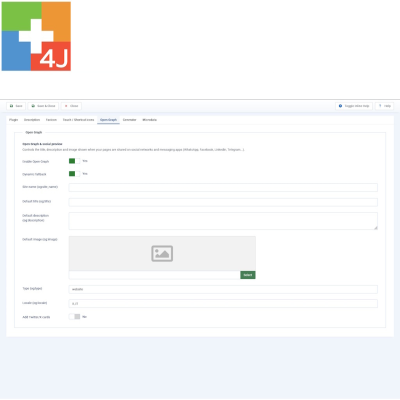
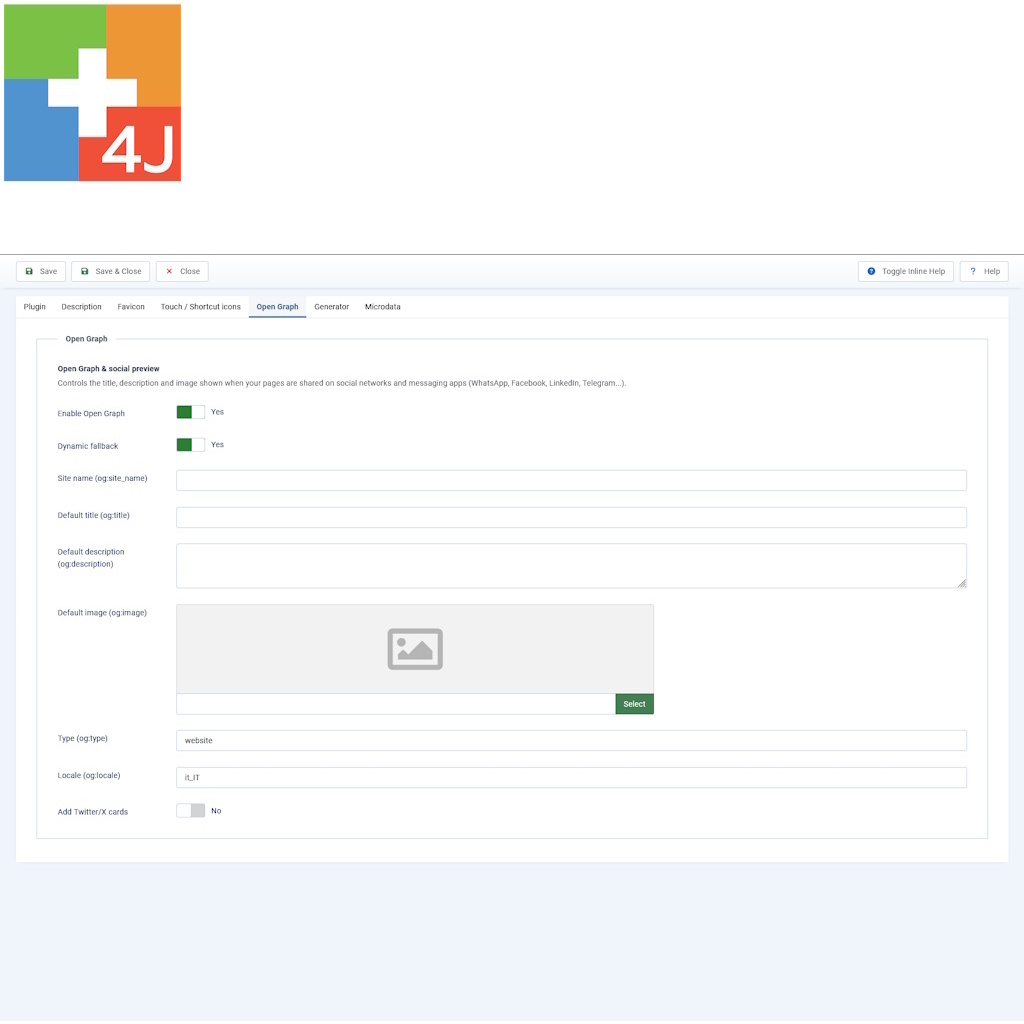
Take control of how your website appears when someone shares a link on WhatsApp, Facebook, LinkedIn, Telegram, and other platforms that support Open Graph metadata.
- Configure the website name, title, description, and preview image.
- Use dynamic page titles and meta descriptions with fallback values.
- Set the Open Graph content type and locale.
- Enable Twitter/X Cards with configurable card types.
- Choose a default image for social sharing previews.
With dynamic fallback enabled, individual pages retain their own titles and descriptions when available, while the configured defaults are used when needed.
4. Generator Meta Tag Control
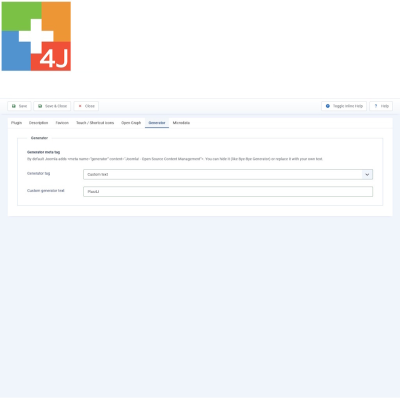
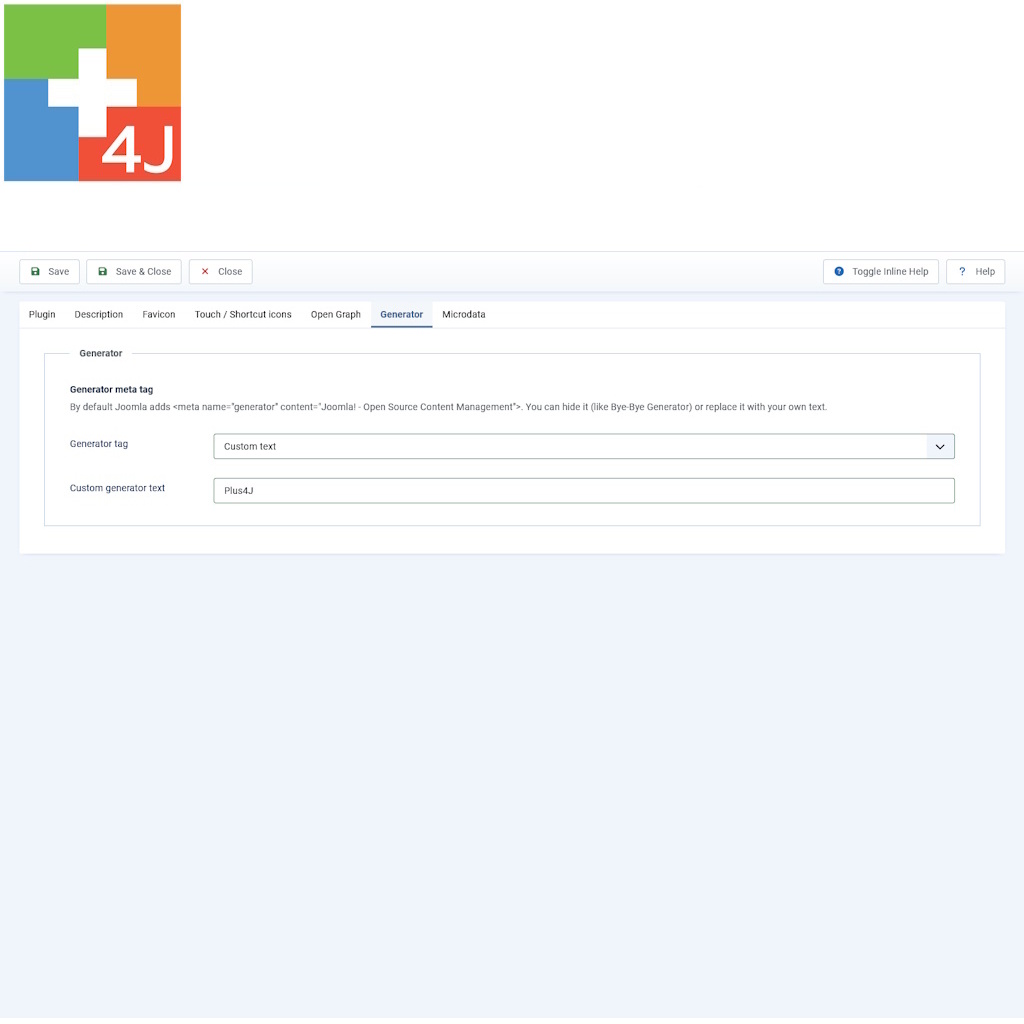
Decide how Joomla's generator meta tag should appear in your website's HTML source.
- Keep Joomla's default generator tag.
- Remove the generator tag entirely.
- Replace it with your own custom text.
The default configuration removes the generator tag. You can change this behavior at any time.
5. Schema.org Structured Data
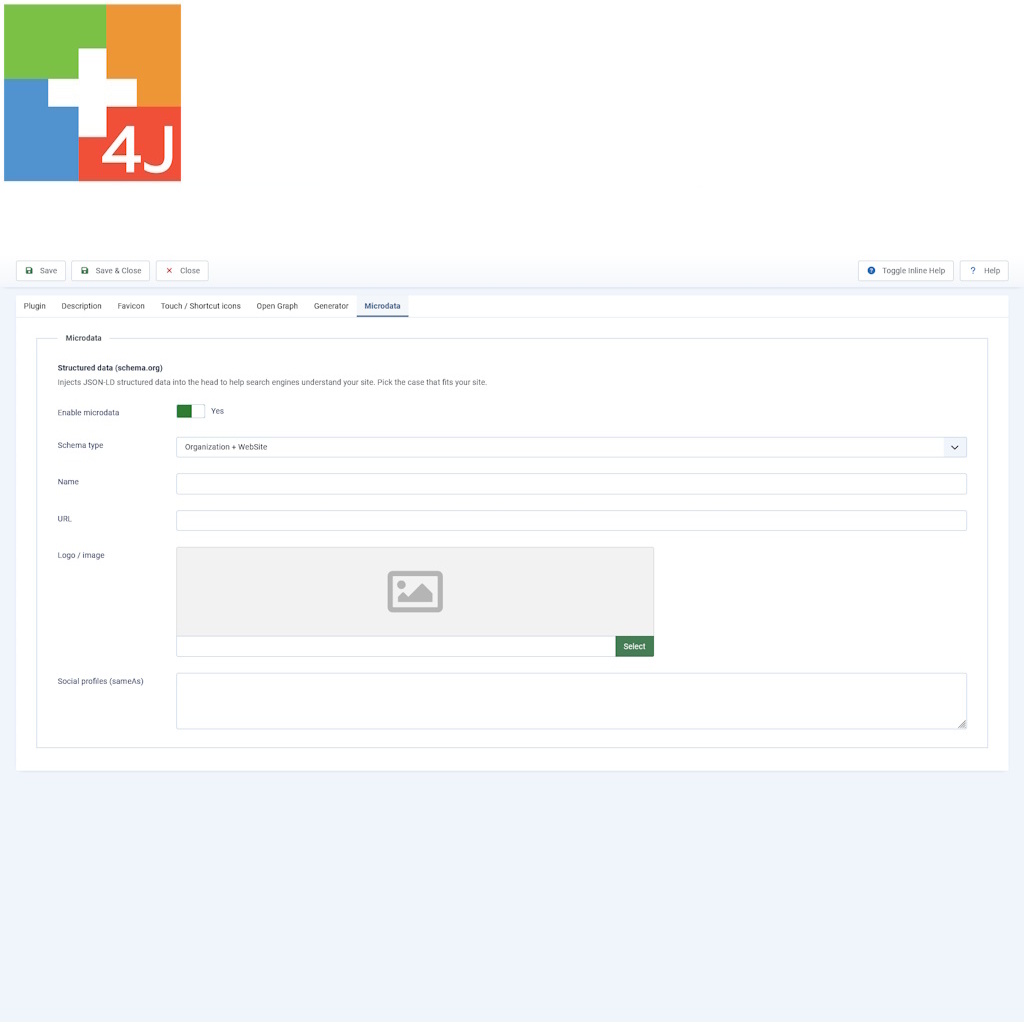
Add structured data to help search engines interpret information about your website, organization, business, or professional identity.
P4J - MultiTool supports several predefined schema types:
- Organization + WebSite: for companies, associations, and organizations.
- Local Business: for businesses with a physical location, including contact information, address, geographical coordinates, and opening hours.
- Person: for personal websites and professional profiles.
- Custom JSON-LD: for advanced users who want to provide their own structured data.
Relevant fields are displayed according to the selected schema type, keeping the configuration interface clear and manageable.
Designed for practical Joomla administration
P4J - MultiTool focuses on straightforward configuration without unnecessary complexity.
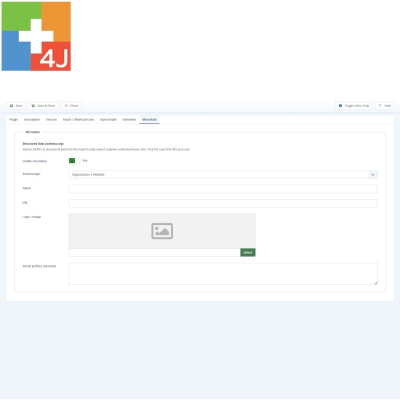
- One control panel: all five tools are organized into dedicated tabs.
- Independent settings: enable and configure only the features you need.
- Template independent: works with Joomla templates, including Cassiopeia.
- No template modifications: the plugin manages the generated frontend output without changing template files.
- Native Media Manager: select images through Joomla's standard interface.
- Reversible changes: disabling or uninstalling the plugin removes its modifications to the frontend output.
Technical requirements
- CMS: Joomla 5 or Joomla 6
- PHP: 8.1 or later
- Extension type: System Plugin
- Current version: 1.1.0
- License: GNU General Public License v2 or later
Installation and configuration
Installation follows Joomla's standard extension installation procedure:
- Open your Joomla administrator panel.
- Go to System → Install → Extensions.
- Upload the P4J - MultiTool installation package.
- After installation, open the plugin settings.
- Configure the features you want to use and save your changes.
The plugin is automatically enabled after installation. The generator tag is hidden by default, while the other features remain inactive until you enable them.
Updates and downloads
P4J - MultiTool supports Joomla's extension update notifications.
When a new version becomes available, Joomla displays an update notification in the administrator panel. The update process directs you to the Plus4J download area, where you can sign in and obtain the installation package according to your download entitlement.
New versions can be installed over the existing installation without uninstalling the plugin, preserving your current configuration.
Documentation and support
The package is accompanied by a detailed English-language user manual covering installation, configuration, individual features, troubleshooting, and verification of the generated metadata.
For additional information and assistance, visit Plus4J or contact
Main Specifications
| Current version | 1.1.0 |
|---|---|
| Joomla compatibility | Joomla 5 and Joomla 6 |
| PHP requirements | PHP 8.1 or later |
| Extension type | System Plugin |
| Template compatibility | Template independent |
| License | GNU GPL v2 or later |