
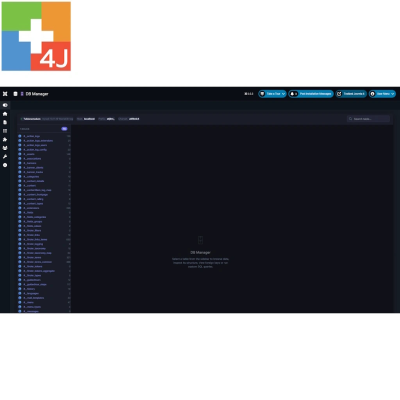
P4J - DB Manager
Browse · Edit · Query · Export · Audit — Manage Your Joomla Database
P4J - DB Manager provides direct access to your Joomla database from the administrator panel. Browse and edit records, insert or delete rows, inspect table structures and relationships, run SQL queries, and export data in multiple formats. Designed for Super Users, it includes an activity log that records database changes for better traceability. Compatible with Joomla 5 and 6, MySQL and MariaDB.
- DESCRIPTION
- IMAGES
- SPECIFICATION
Direct database management inside Joomla
P4J - DB Manager is an administrator component for Joomla 5 and Joomla 6 that provides direct access to your website's MySQL or MariaDB database, without leaving the Joomla backend.
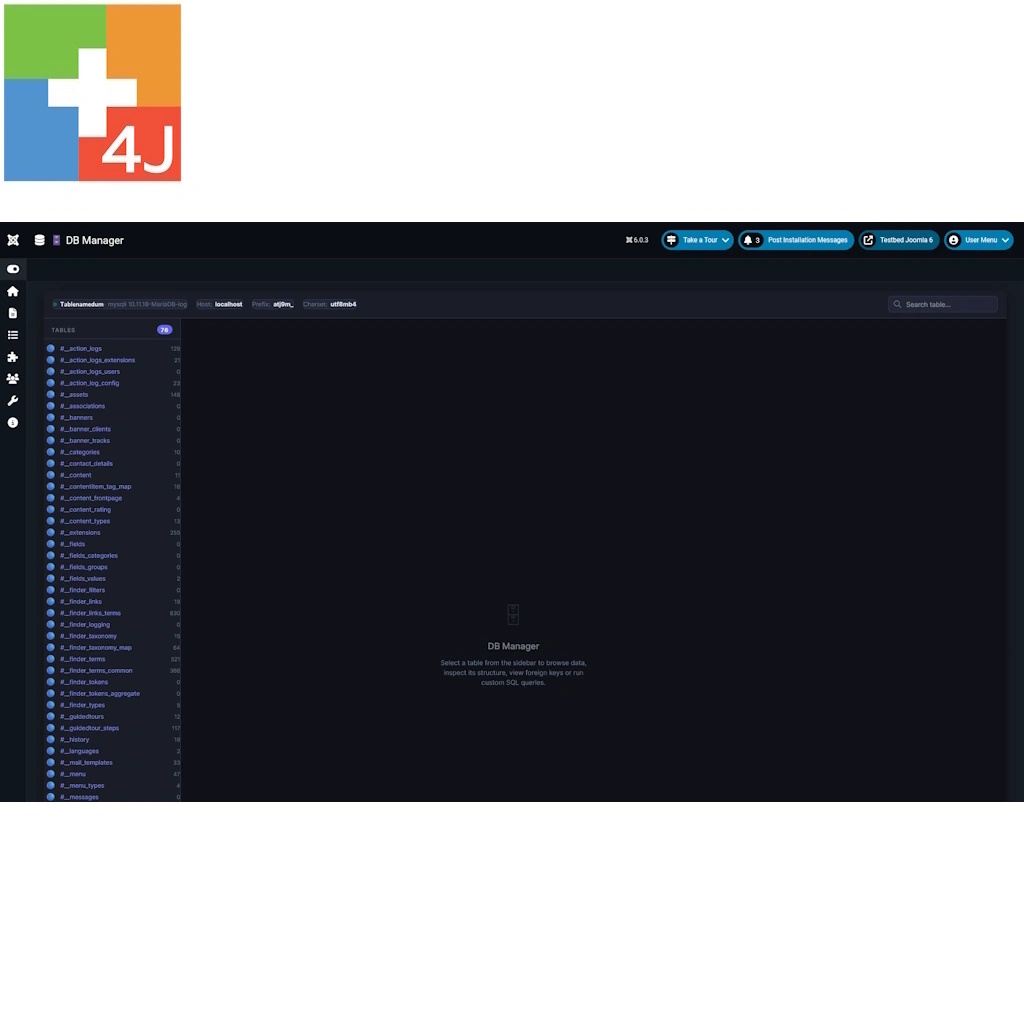
Browse tables, inspect and modify records, execute SQL queries, export data and examine database structures through a dedicated interface.
Designed for experienced Joomla administrators, DB Manager combines practical database management tools with Super User access restrictions and an activity log of changes made through the component.
What can P4J - DB Manager do?
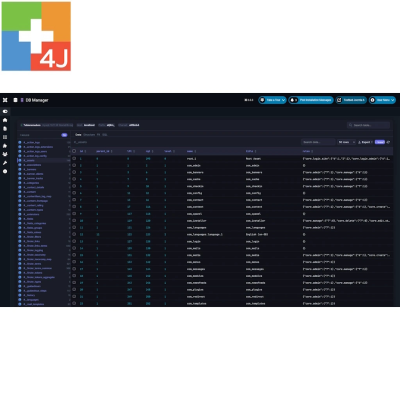
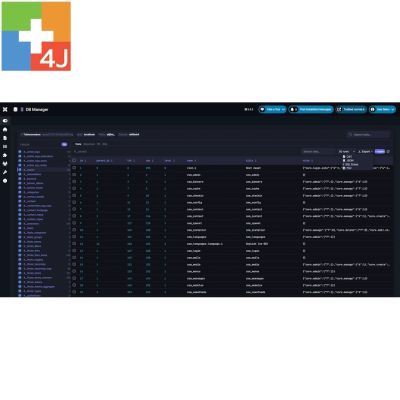
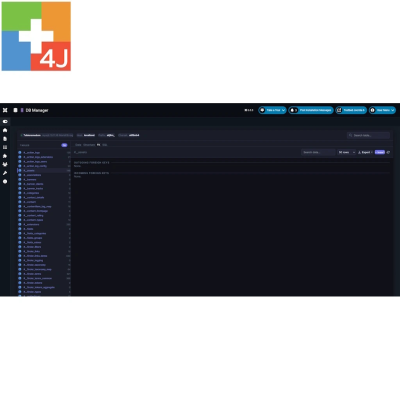
1. Browse and search database tables
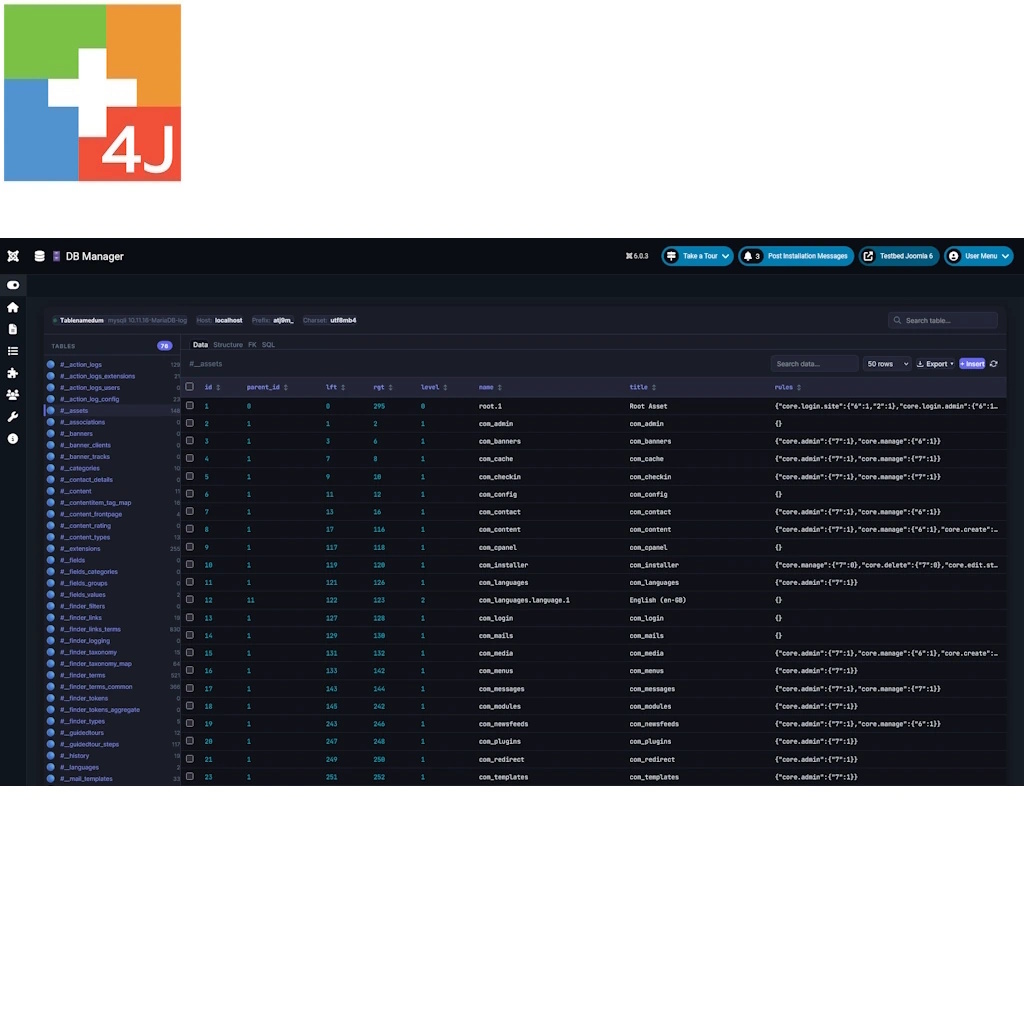
Explore the tables of your Joomla database from a single interface.
- View Joomla tables and other tables in the same database.
- Search and filter the table list.
- Browse records with configurable pagination.
- Search for text across table columns.
- Sort records by clicking column headings.
- Refresh the displayed data when needed.
Joomla tables are displayed using the familiar #__ prefix notation, making them easier to identify.
2. Edit database records directly
Modify individual field values without opening a separate editing form.
- Click a cell to edit its content.
- Save changes directly to the database.
- Assign NULL values where the column allows them.
- Use keyboard shortcuts to simplify repetitive editing.
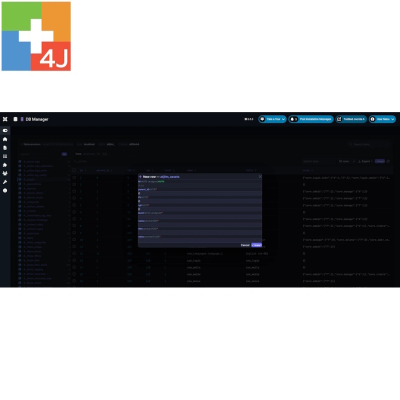
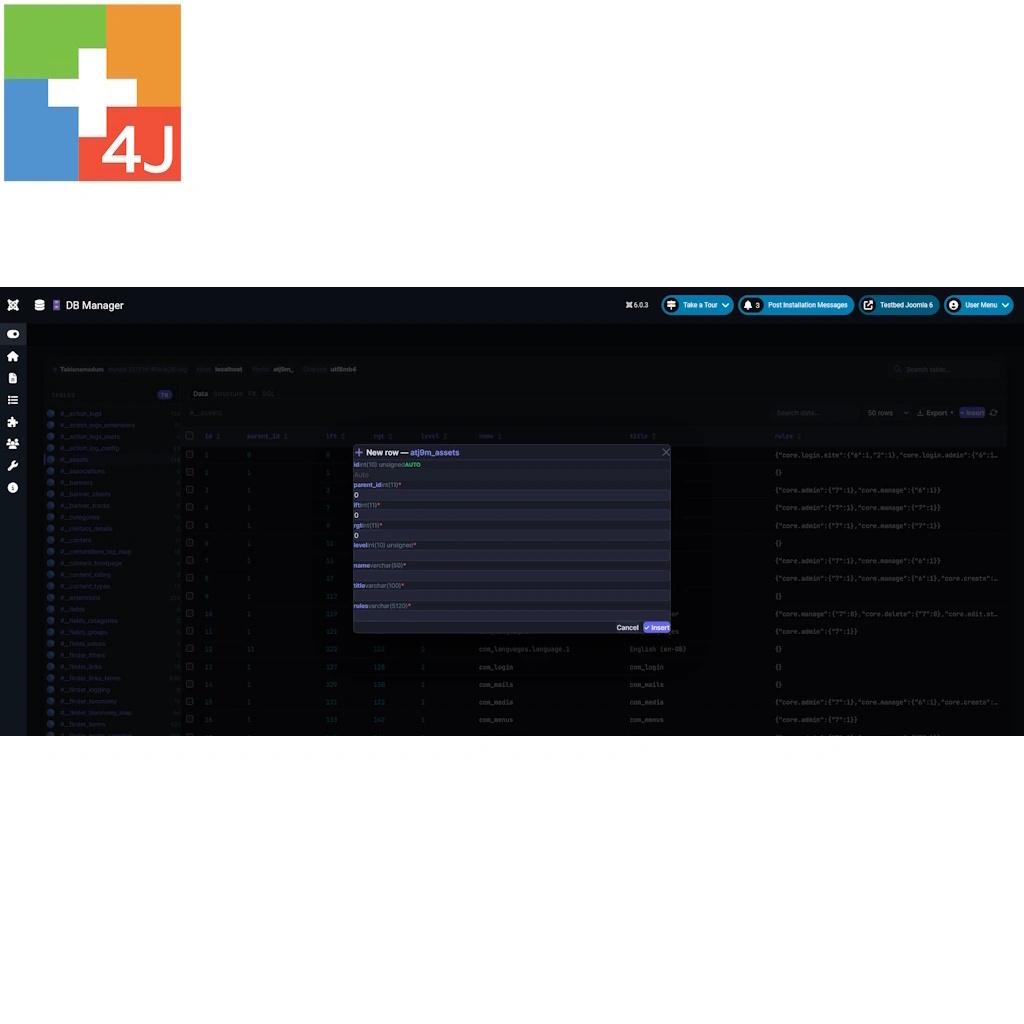
- Insert new records through a dedicated form.
- Select and delete multiple records when necessary.
For safety, direct record editing, insertion and deletion are available only for tables with a primary key. Tables without a primary key remain available for reading and exporting.
3. Export your data
Export database records for reporting, analysis, migration or further processing with other applications.
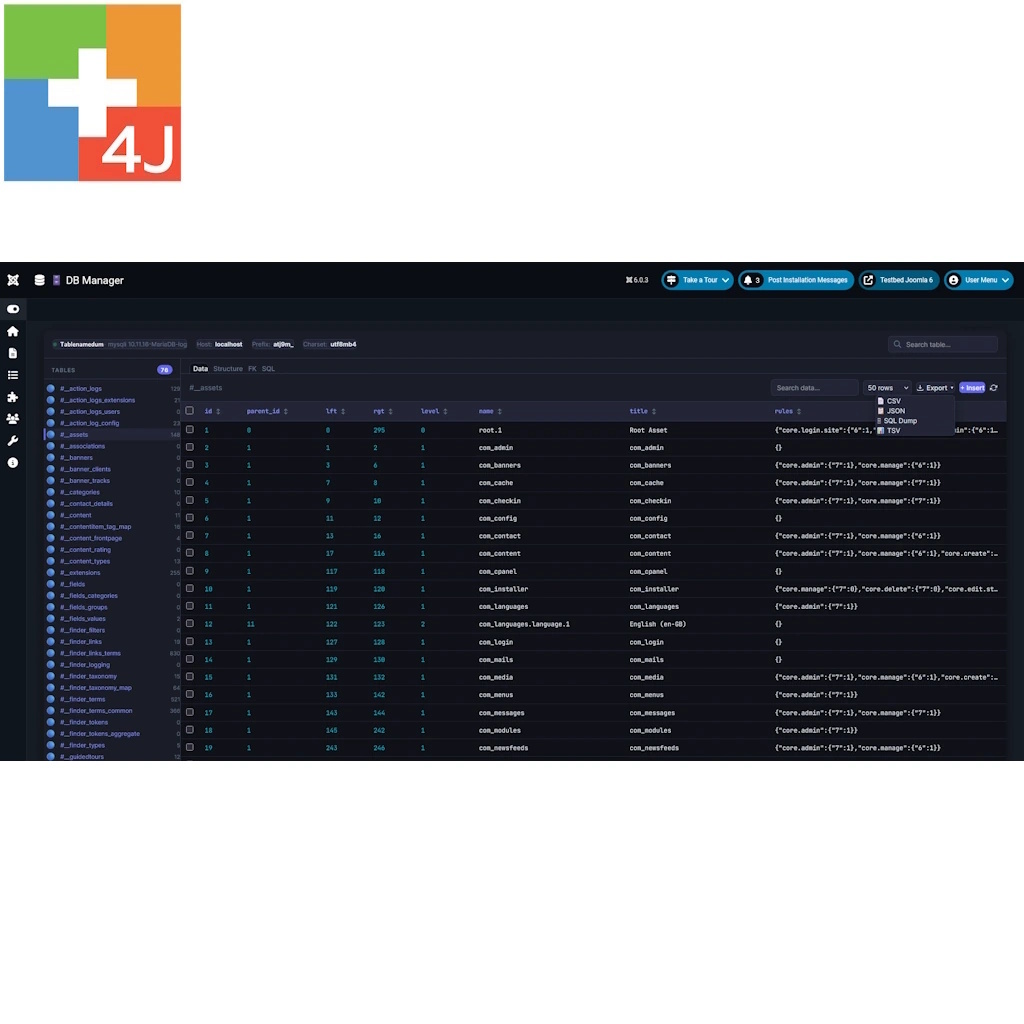
Supported export formats include:
- CSV: for spreadsheets and data analysis.
- JSON: for structured data exchange.
- SQL Dump: for recreating tables and records in another MySQL or MariaDB database.
- TSV: tab-separated data, particularly useful when values contain commas.
Export selected records or the entire table, taking active search filters into account.
Each export supports up to 50,000 rows. Larger datasets can be exported in separate portions.
4. Inspect table structures and relationships
Understand how your database tables are organized before making changes.
- Inspect columns, data types, default values and nullable fields.
- Examine primary keys and indexes.
- View and copy the complete CREATE TABLE statement.
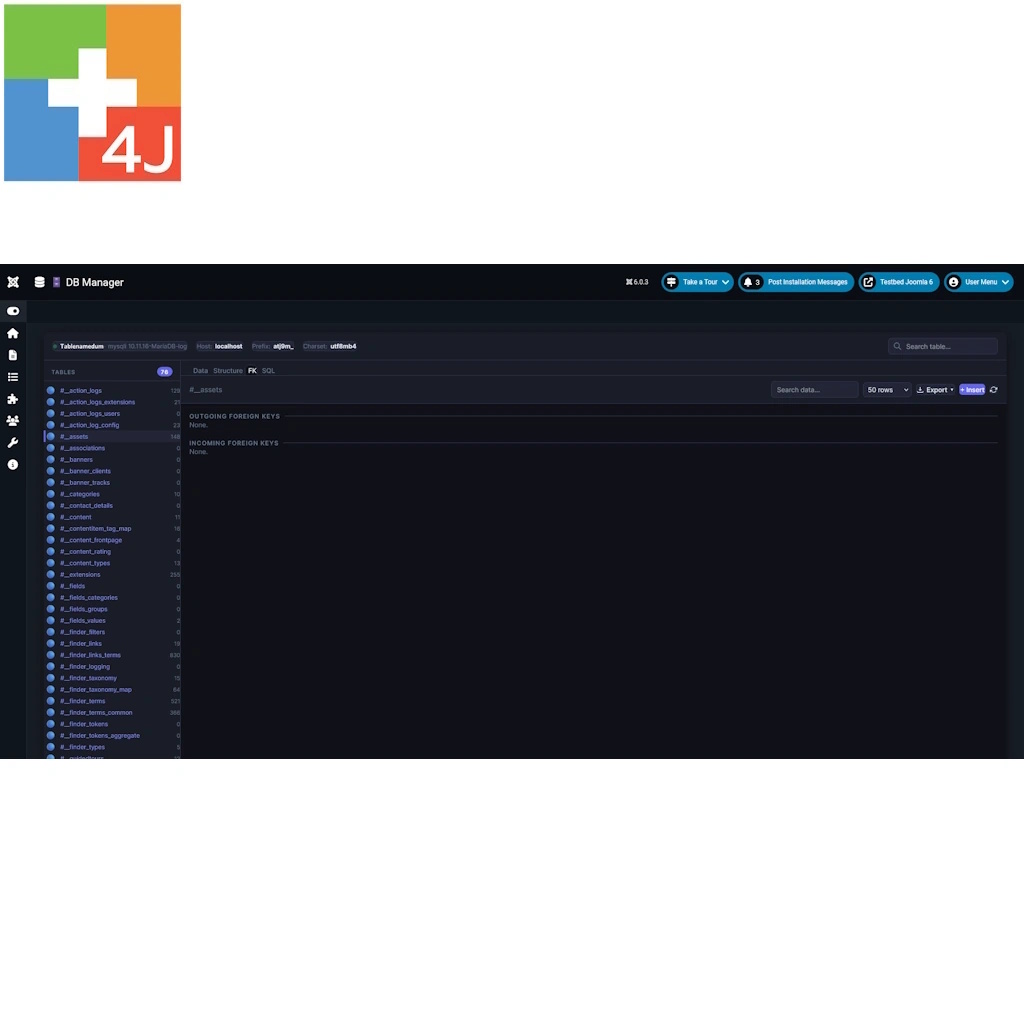
- Explore declared foreign key relationships.
- Identify incoming and outgoing relationships between tables.
- Check update and deletion rules such as CASCADE and RESTRICT.
The Structure and Foreign Keys sections provide useful information for database analysis and troubleshooting.
5. Run SQL queries
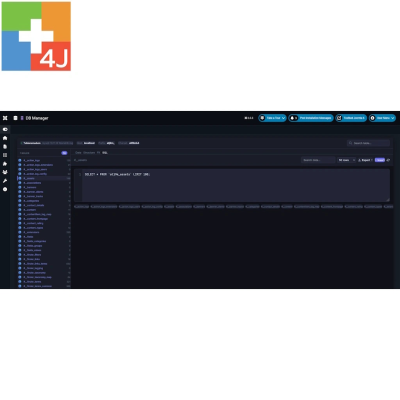
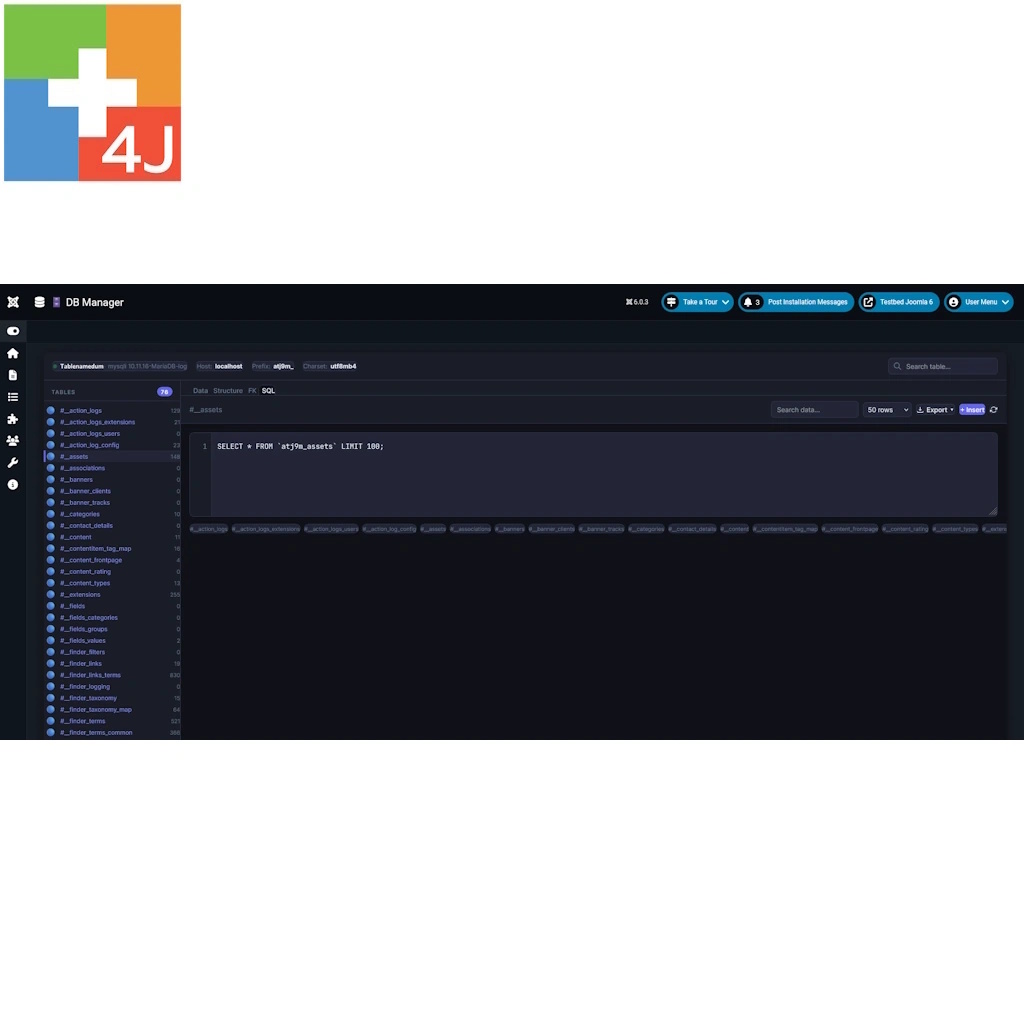
Use the integrated SQL editor to execute database queries directly from the Joomla administrator panel.
- Run SELECT, SHOW, DESCRIBE and EXPLAIN statements.
- Execute data modification statements such as INSERT, UPDATE and DELETE.
- Run database structure statements such as ALTER.
- View query results, affected rows and execution times.
- Insert table names into queries using convenient shortcuts.
- Execute statements using the Run button or keyboard shortcuts.
SQL statements run with the permissions of the Joomla database user. They are executed as written, so appropriate care is required when modifying data or database structures.
6. Track changes with the Activity Log
P4J - DB Manager records modifications performed through its interface, helping administrators understand which operations were carried out and by whom.
The activity log includes:
- Date and time of the operation.
- User responsible for the change.
- Type of operation: INSERT, UPDATE, DELETE or SQL query.
- Table involved and number of affected rows.
- Operation details and IP address.
The log displays the latest 500 recorded changes. Read-only SQL queries are not included.
Restricted to Joomla Super Users
Because direct database access is a sensitive operation, P4J - DB Manager is accessible exclusively to Joomla Super Users.
Administrators and other backend users cannot access the component, even through a direct URL.
All database management functions operate within the Joomla administration area.
Important: direct database access
DB Manager operates directly on database records and does not apply the validation and business rules normally enforced by Joomla's standard content editing interfaces.
Incorrect changes or SQL statements may damage data or affect website functionality. Deleted records cannot be restored through the component.
Always create a complete backup before making changes and use a staging environment whenever possible.
Installation and updates
Install P4J - DB Manager using Joomla's standard extension installer:
- Open System → Install → Extensions.
- Upload the P4J - DB Manager ZIP package.
- After installation, go to Components → P4J - DB Manager.
- Open the component using a Super User account.
New versions can be installed over the existing installation without uninstalling the previous version. The activity log is preserved during updates.
Joomla displays extension update notifications when new releases are available. Installation packages can be obtained from the Plus4J download area, according to your download entitlement.
Documentation and support
P4J - DB Manager includes a detailed English-language user manual covering installation, table browsing, record editing, data exports, SQL queries, foreign keys, activity logging and troubleshooting.
For assistance, contact
Main Specifications
| Current version | 1.1.1 |
|---|---|
| Joomla compatibility | Joomla 5 and Joomla 6 |
| PHP requirements | PHP 8.1 or later |
| Database | MySQL / MariaDB |
| Extension type | Administrator Component |
| Access level | Super Users only |
| Data operations | Browse, Search, Insert, Edit, Delete |
| SQL editor | Read and write queries |
| Export formats | CSV, JSON, SQL Dump, TSV |
| Export limit | 50,000 rows per export |
| Activity log | Last 500 database changes |
| Languages | English, Italian |
| License | GNU GPL v2 or later |